
//Album Design
It's time to design your wedding album.
Have a look below and it'll explain what's next and we can take it from there.
Step 1
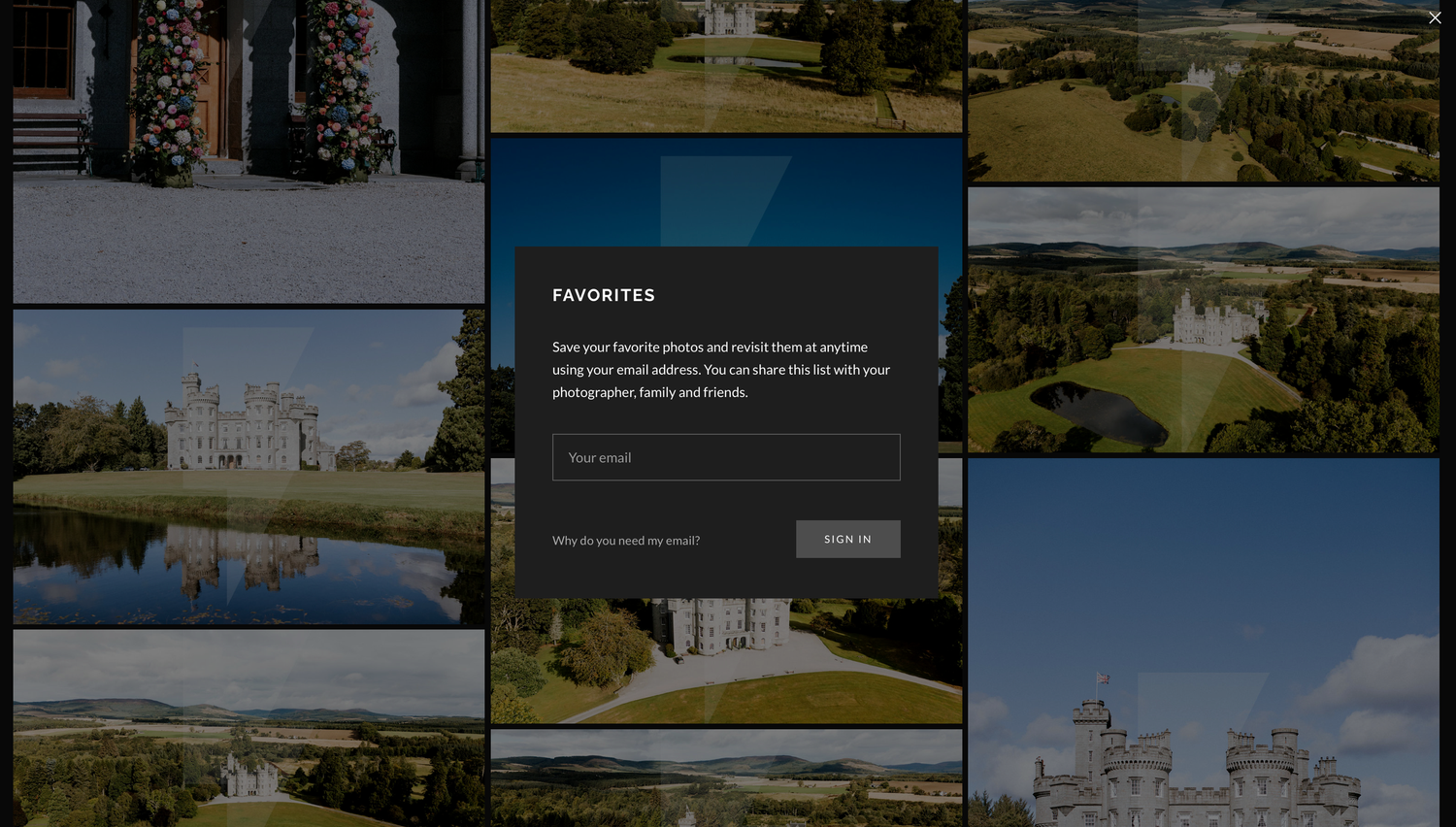
Head to your gallery and start using the heart icon to save your favourites. Pick up to 200 photos from the whole day.
Don't forget to enter your own email address and this will save your favourites to your email, so you can pick it up again another time.
Step 2
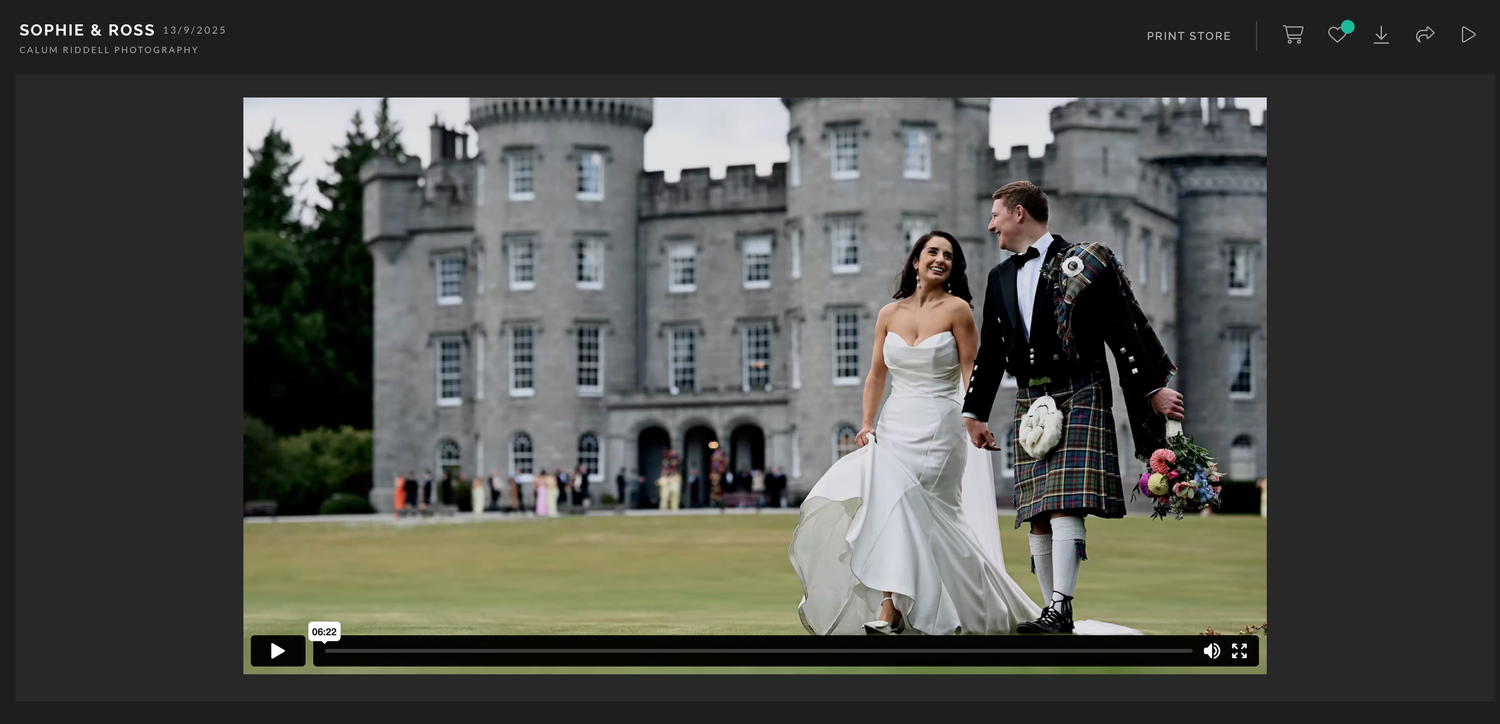
Once you are happy with your selection, head up to the top of your gallery and select the heart icon.
Step 3
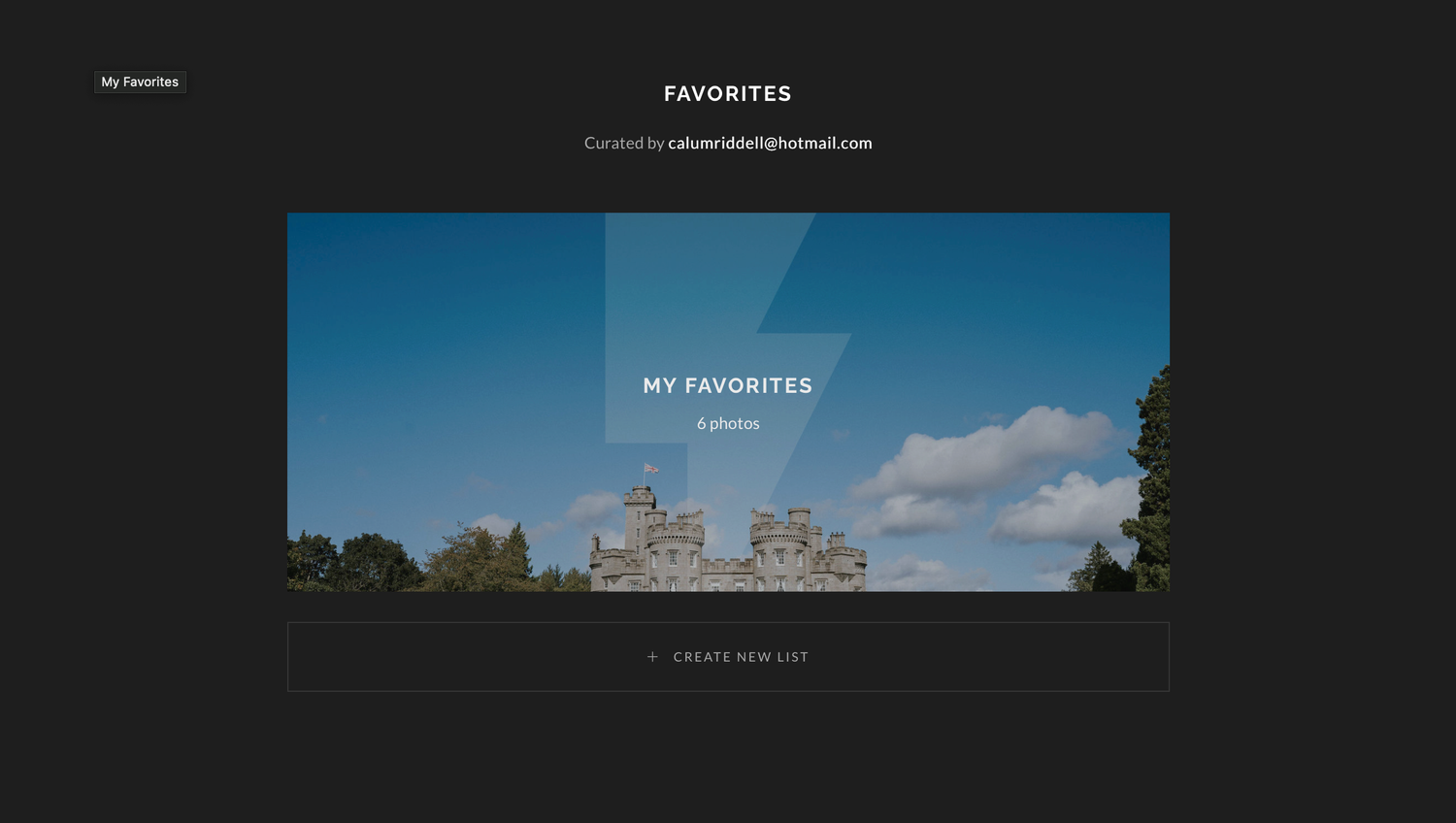
Enter your favourites list
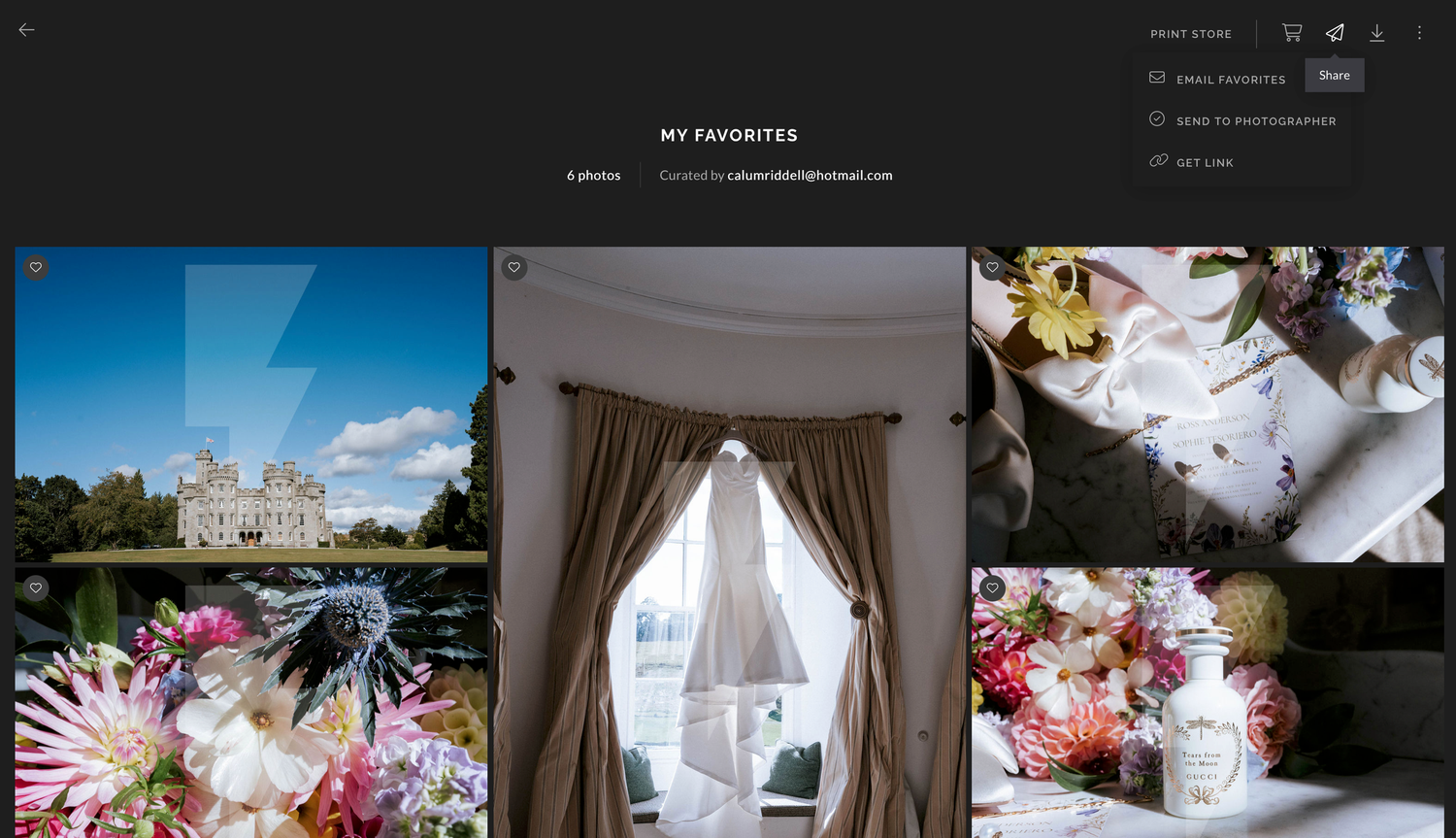
Step 4
Click on the share icon and go to 'share to photographer'
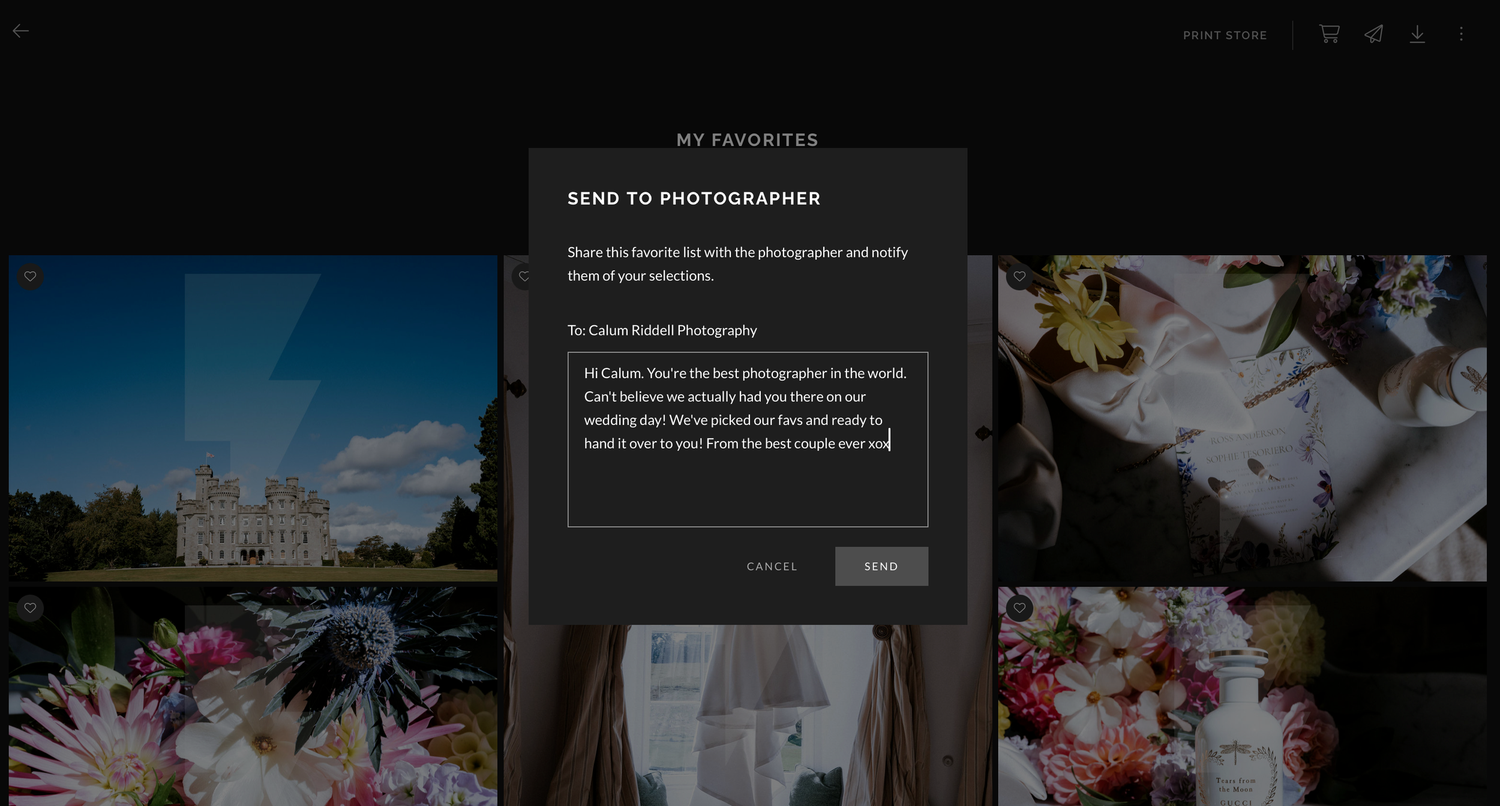
Step 5
Pop a wee message to me and send.
Once I've got your images I will design an album using your favourite images and we will take it from there!